
Starting every quote from scratch
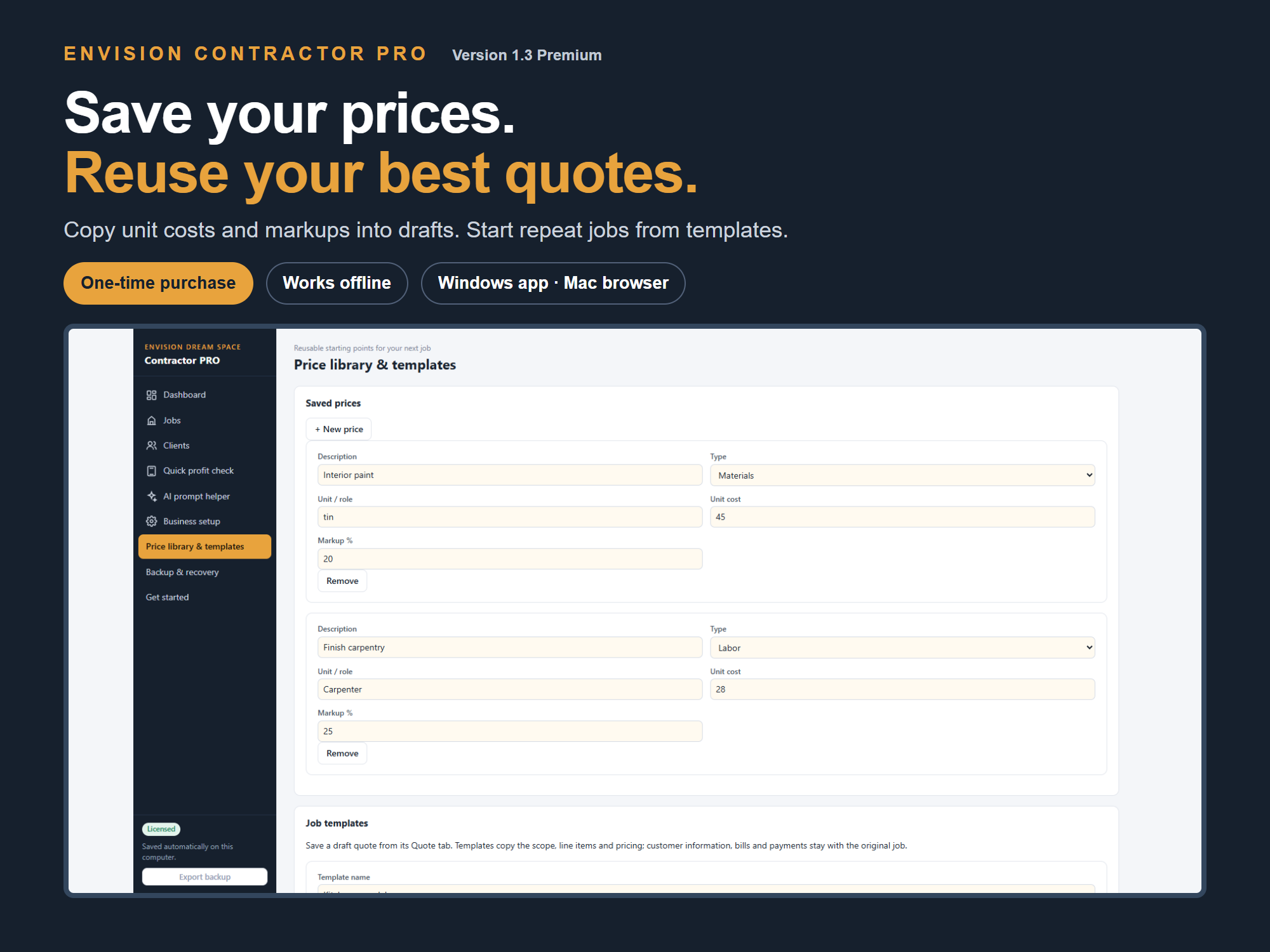
The same materials and labour appear on the next job, but you are typing the prices again. Save reusable prices and turn a useful quote into a job template.
ENVISION CONTRACTOR PRO PREMIUM
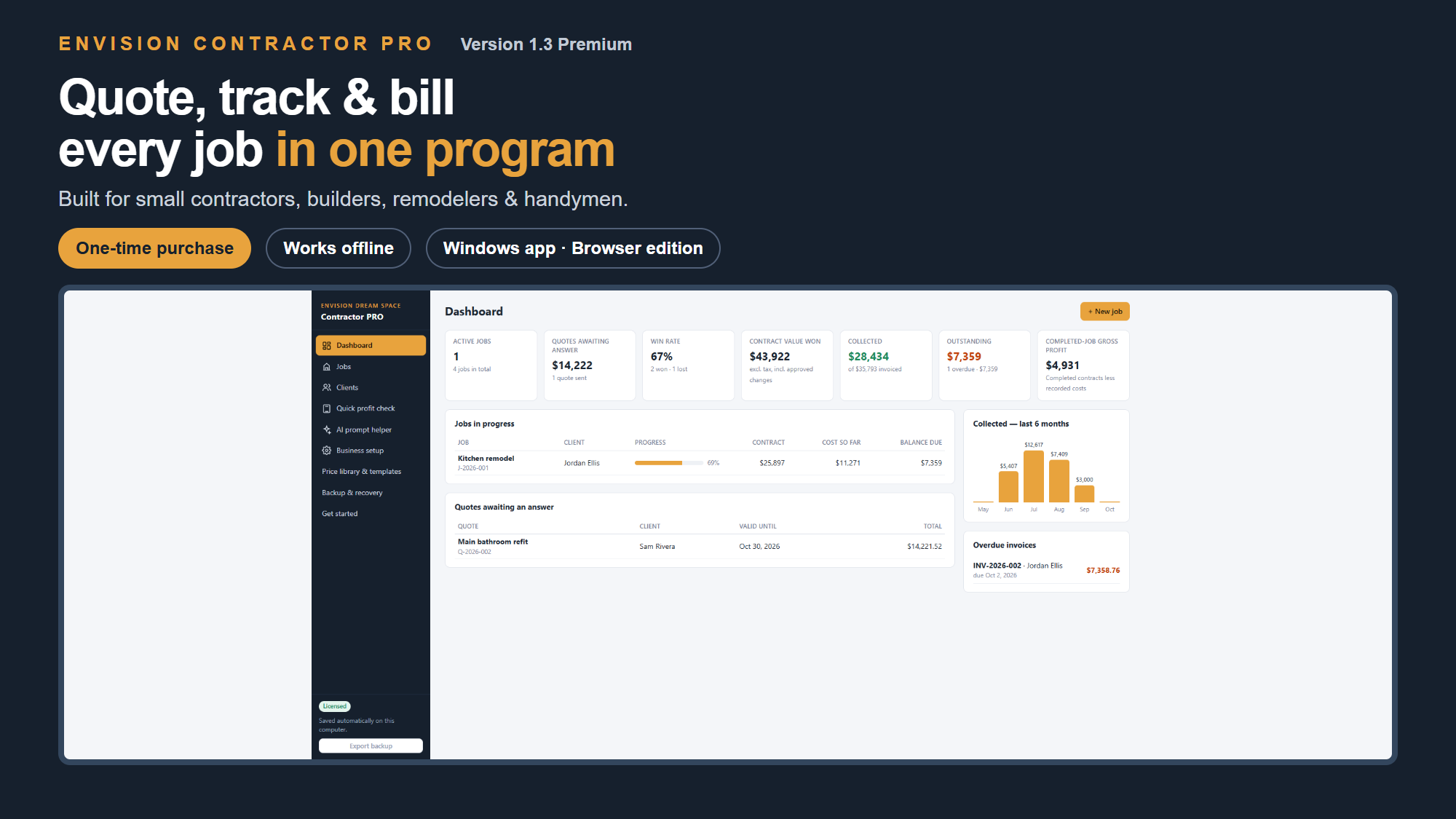
Quote, track and bill every job in one program. Built for small contractors, builders, remodelers and handymen who want a clearer view of their business.
One-time purchase · Works offline · No Excel required
SEE ONE JOB FROM QUOTE TO PAYMENT
Watch the 90-second walkthrough: a kitchen quote, an unexpected $1,000 cost, the updated profit forecast, a final invoice and its payment record.
Actual browser edition, edited for pacing, with fictional example records in the trial preview. Payment entries are records; the demo transfers no money. Expected profit depends on the costs and remaining estimates you enter.
Windows app + compatible desktop browser edition. Online purchase and key collection, then offline use. Each computer keeps separate records, with no automatic sync.
WHEN THE PAPERWORK STARTS RUNNING THE JOB
The same materials and labour appear on the next job, but you are typing the prices again. Save reusable prices and turn a useful quote into a job template.
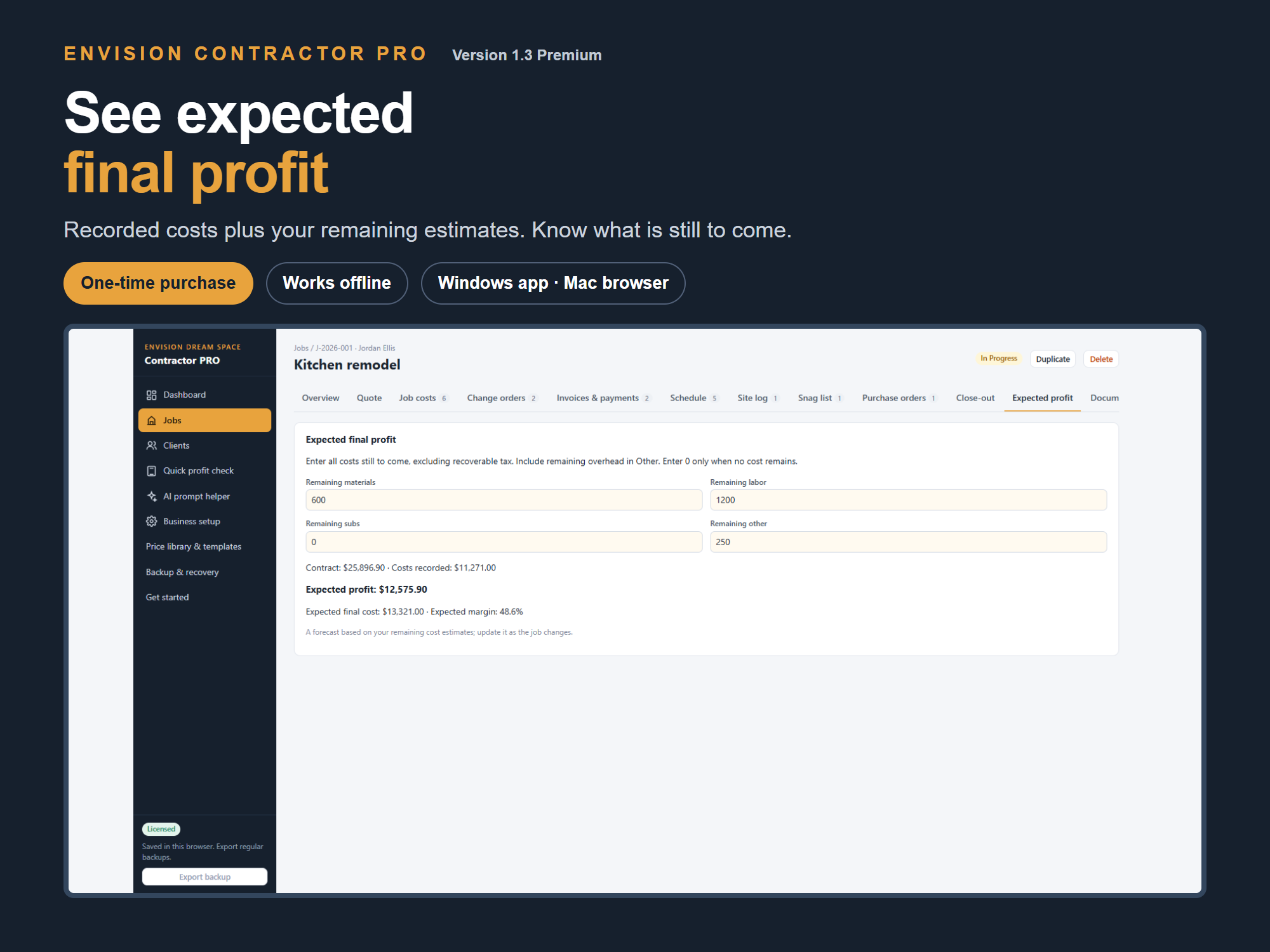
The quote looked good. Then the costs changed. Record actual costs and your remaining estimates to see expected final profit while the job is still underway.
Keep deposit, progress and final invoices with the job. Record payments and see which balances are still outstanding.
Keep issued quotes, invoices and completion certificates with their revision history, so you can refer back to the document you issued.
FROM FIRST QUOTE TO FINAL HANDOVER
Build material, labour and subcontractor quotes. Reuse your saved prices and job templates to start the next estimate faster.
Record actual costs and remaining cost estimates. See expected job profit as the work progresses, and update it as plans change.
Create deposit, progress and final invoices. Record payments, track outstanding balances and show overpayments as credit.
Save issued quotes, invoices and completion certificates with a revision history. Export backups and keep local recovery copies.
YOUR COSTS, IN VIEW
Use actual costs and your remaining estimates to understand expected final profit before the job is finished.
BUILD A LIBRARY OF YOUR OWN PRICES
Save material and labour costs with markups. Reuse job templates as a starting point, then adjust the scope and prices for the next customer.
Example product screen. Windows app and compatible desktop browser edition included; Mac Safari testing is pending.
A PRACTICAL WORKFLOW FOR THE NEXT JOB
Create a draft quote from your price library or a job template. Adjust it for the customer's scope.
Record actual costs and revise the remaining estimates as the work progresses.
Issue the right invoice for the stage of the job and keep payments and outstanding balances together.
The figures depend on the costs, prices and estimates you enter.
READY TO PUT TO WORK
Windows desktop and compatible desktop browsers. Mac Safari compatibility testing is pending. Your job records stay locally on your computer; export backups to a separate drive regularly.
THREE STEPS TO YOUR FIRST JOB
Complete the one-time purchase and download the buyer package from Files.
Open Software in your Whop purchase. Use its licence code on our activation page to collect your Contractor PRO key.
Install the Windows app or open the browser edition, enter your key and follow the guided setup.
BEFORE YOU BUY
No. Contractor PRO Premium costs $299 USD once. Your licence includes version 1.x updates.
No Excel is needed. Internet access is needed for purchase, download and collecting your activation key. Once installed and activated, the program works offline.
The licence covers one business on up to three computers. Records are stored locally and do not automatically sync between computers; use backup export and restore to transfer them.
The desktop installer is for Windows. The browser edition is included for compatible desktop browsers, but Mac Safari activation testing is still pending. We recommend Windows for the verified setup.
It subtracts actual costs and your remaining cost estimates from the contract subtotal. Keep those estimates current; the result depends on the information you enter.
No. Recovery copies are local. Export a separate backup to another drive regularly to protect against computer loss or failure.
This is the standalone Premium software, priced at $299 USD. The $59 Contractor Control Toolkit — Excel Edition remains a separate product.
Email support@envisiondreamspace.com with your product name and question. Do not include activation codes or passwords.
Contractor Control Toolkit — Excel Edition
I want to manage quotes, costs, invoices and payments in Excel.
QuoteForge Solo
I need to estimate work, check margins and print professional quotes.
Contractor PRO Premium
I need dedicated software to track active jobs, actual costs, invoices, payments and expected profit.
MAKE YOUR NEXT JOB EASIER TO MANAGE
One business · Up to three computers · No monthly fee